Docs / Websites
Websites Overview
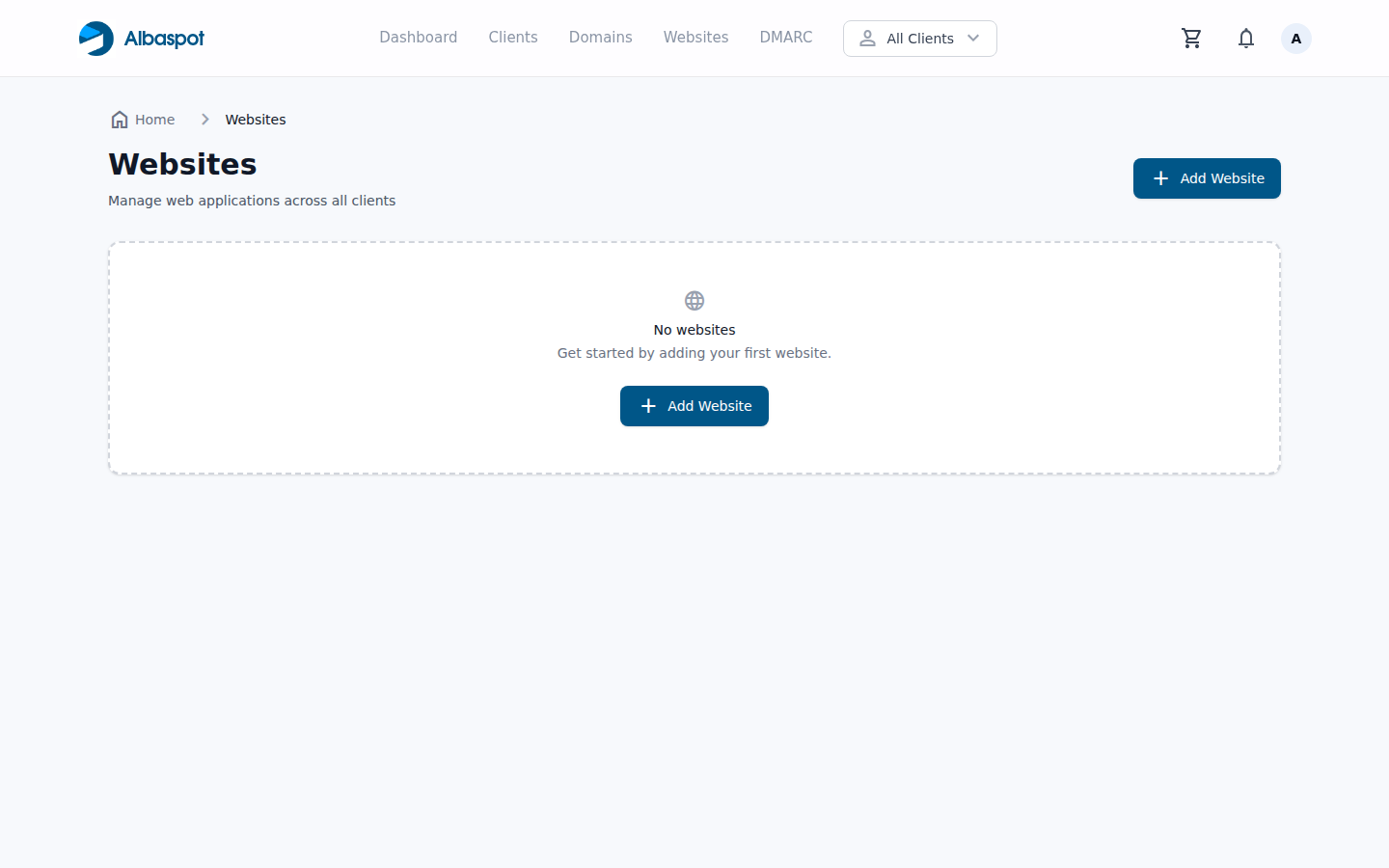
The Websites section lists all hosted applications for your team, showing status, linked domain, and resource usage at a glance.
app.albaspot.com
What each website shows
- Application name — the website label as configured in your hosting provider.
- Client — which client this website belongs to.
- Primary domain — the linked custom domain (or temporary hosting domain if none set).
- Status — running, stopped, or suspended.
Adding a website
Websites are provisioned from your hosting provider and synced automatically. Click Sync Websites to pull the latest applications from your hosting provider, or create a new one directly from the Websites page.