Docs / Getting Started
Dashboard Overview
The dashboard is your landing page after login. It gives you a snapshot of your team's domains, websites, and email security health at a glance.
app.albaspot.com
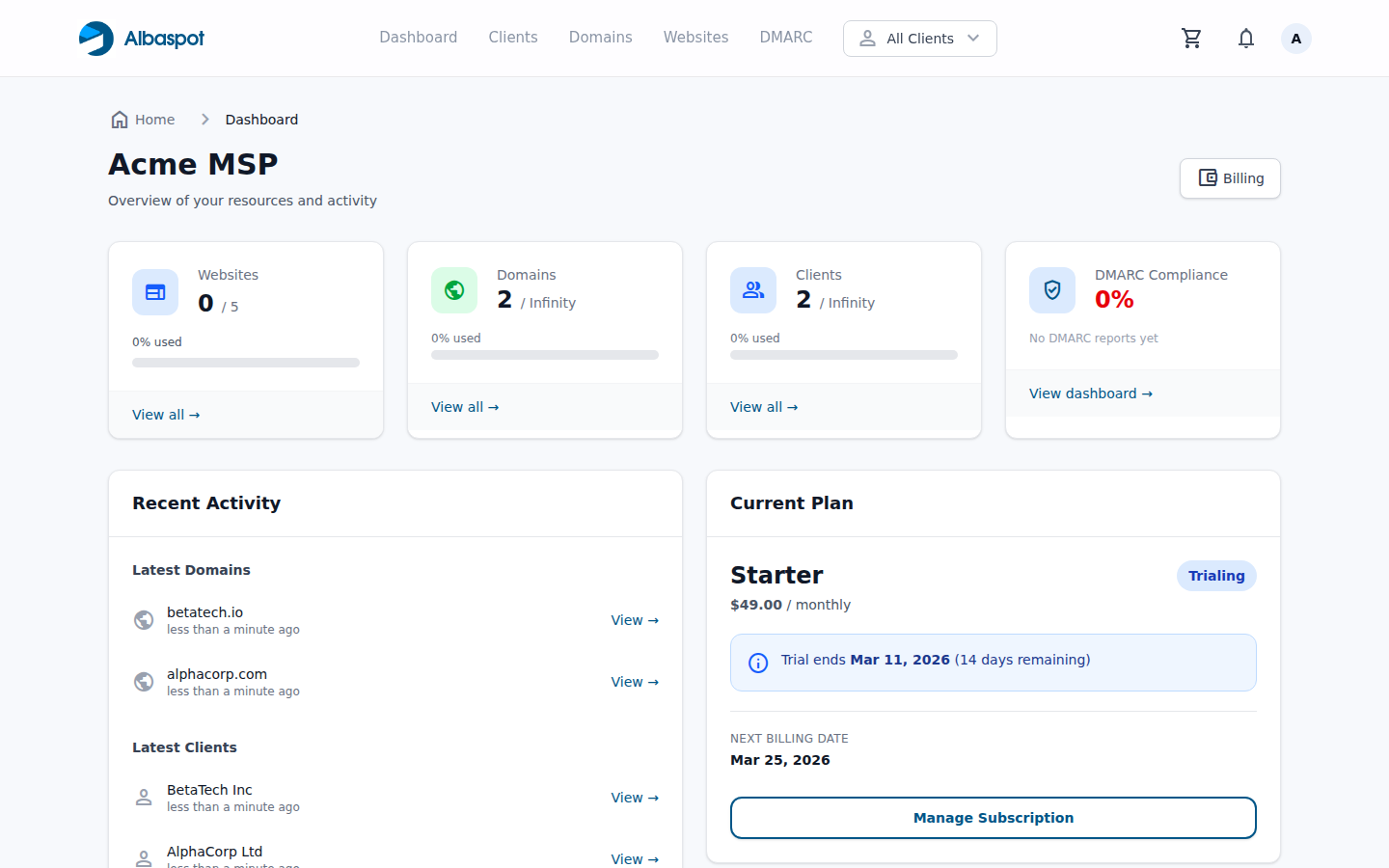
What you see on the dashboard
- Domain count — total domains across all clients, with expiry warnings for domains renewing within 60 days.
- Website count — hosted sites currently managed through your team.
- DMARC status — how many domains are at p=reject, p=quarantine, p=none, or unconfigured.
- Recent activity — the last actions taken by any team member.
Navigation
The top navigation bar gives direct access to Clients, Domains, Websites, and DMARC. The client filter dropdown (top-right, labelled "All Clients") lets you scope the whole interface to one client at a time.