Add a DNS Record
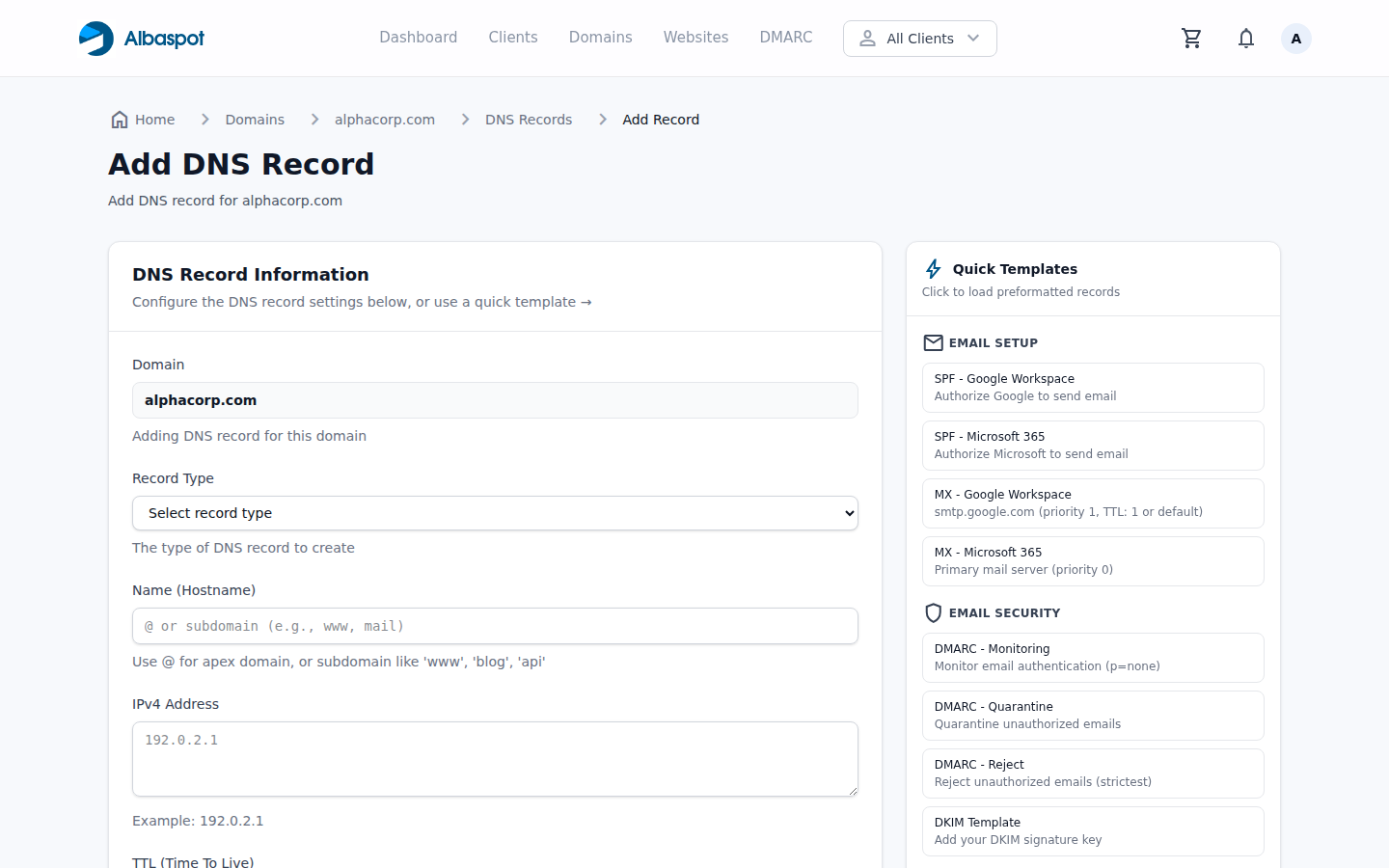
Create any DNS record type for a managed domain. Changes are published to our DNS provider within seconds.
app.albaspot.com
Steps
- 1Navigate to DNS Records for the target domain.
- 2Click Add Record.
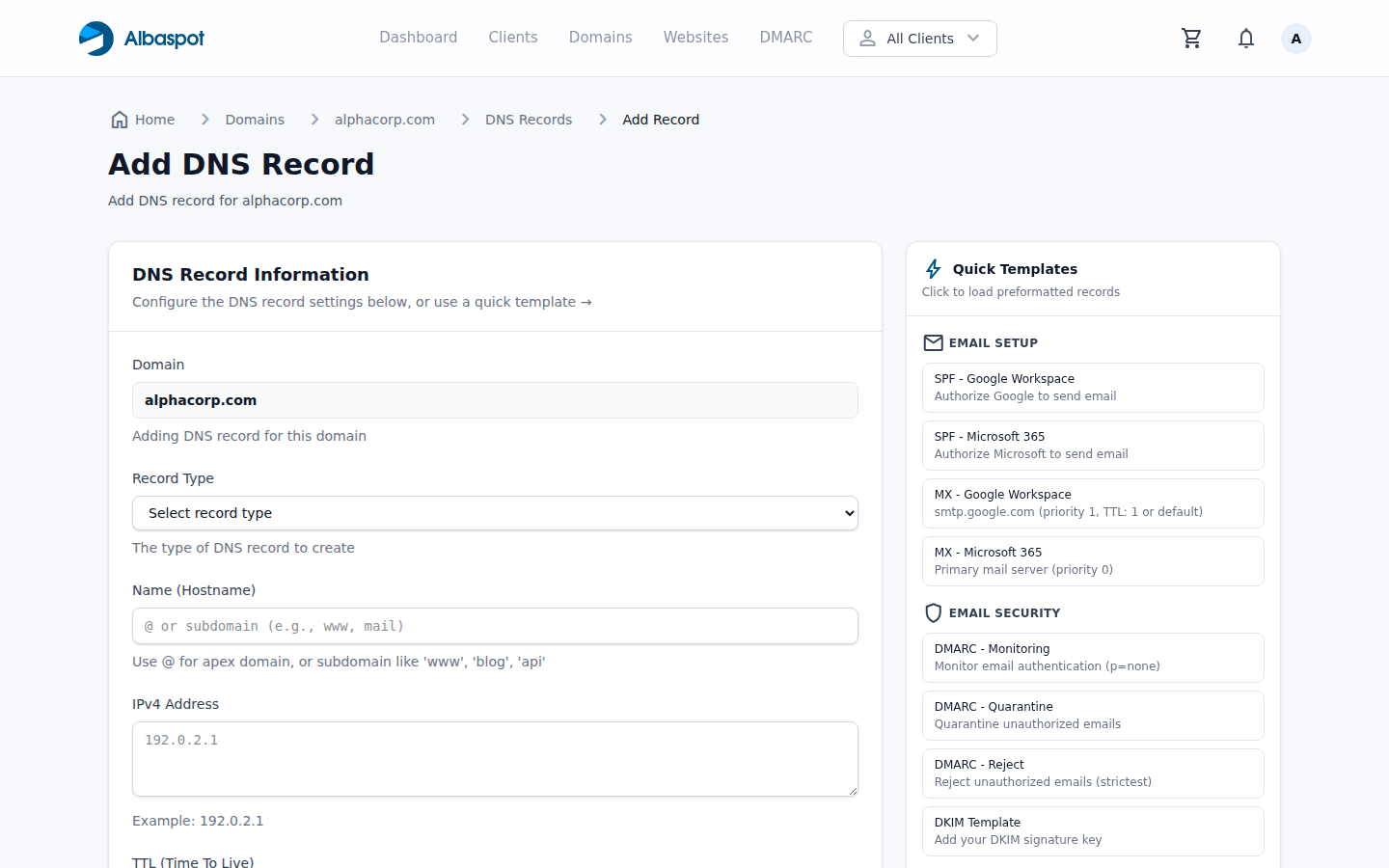
- 3Select the record type from the dropdown. The form adapts to show the correct fields for that type.
- 4Fill in Name (hostname), Value (content), and TTL. Leave name blank for the root domain.
- 5Click Save Record. The record is live within seconds.
TXT record helper
When adding SPF, DKIM, or DMARC records, use the TXT record template shortcuts in the form to pre-fill common values. See the example below.
app.albaspot.com