Register a New Domain
Search availability and register a new domain directly through Albaspot. The domain is automatically linked to the selected client.
app.albaspot.com
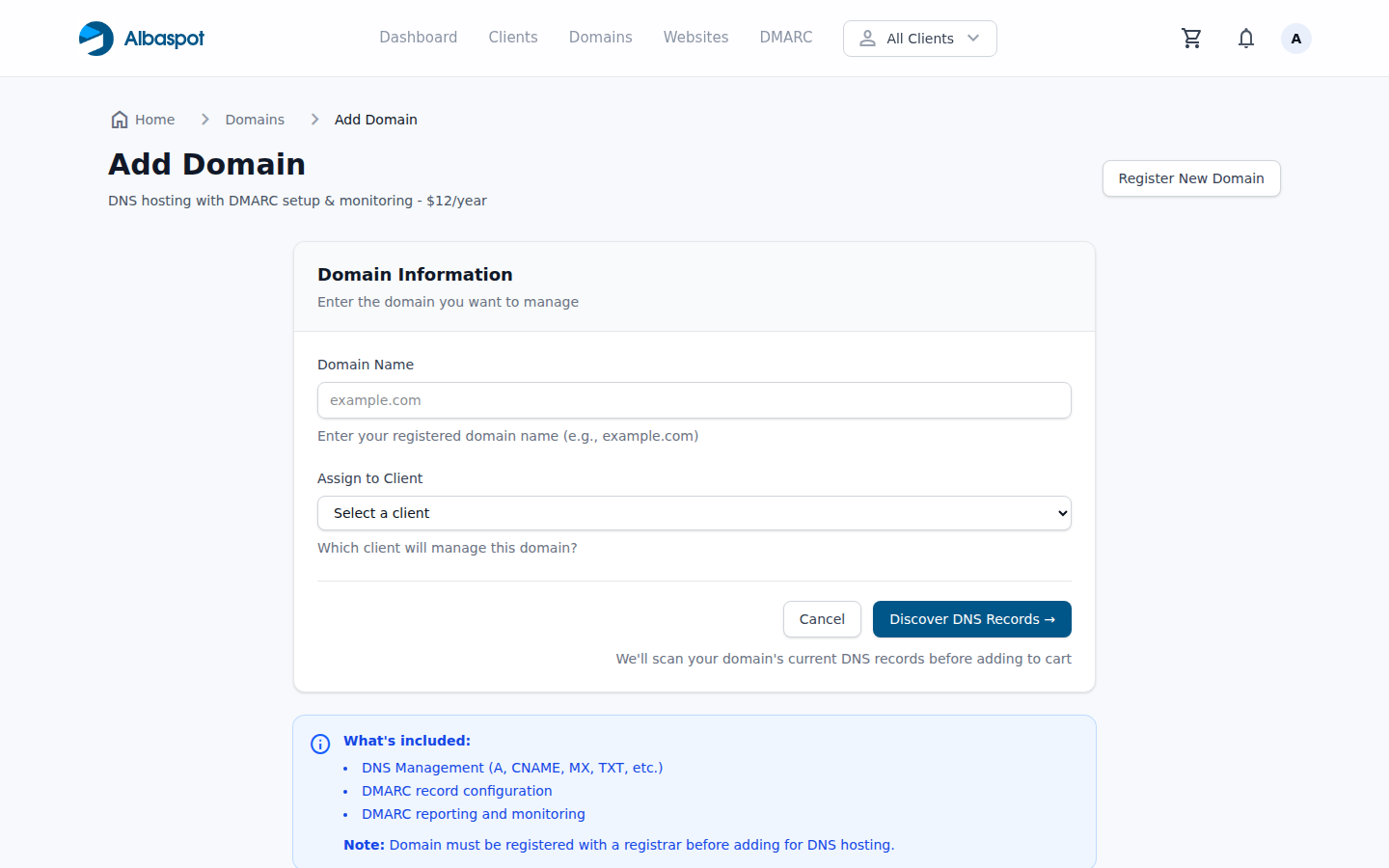
Steps
- 1Go to Domains → Add Domain from the top navigation.
- 2Enter the domain name you want to register. Click Check Availability.
- 3Select the TLD from available results. Pricing is shown per-TLD.
- 4Assign the domain to a Client (required).
- 5Click Add to Cart, then complete checkout. The domain is registered immediately on payment.
Note: Registered domains are automatically set up with your team's default nameservers. DNS records can be added immediately after registration.