Docs / Getting Started
Navigating Clients
The client filter at the top of every page lets you switch context between clients instantly — all lists, counts, and records update to show only that client's data.
app.albaspot.com
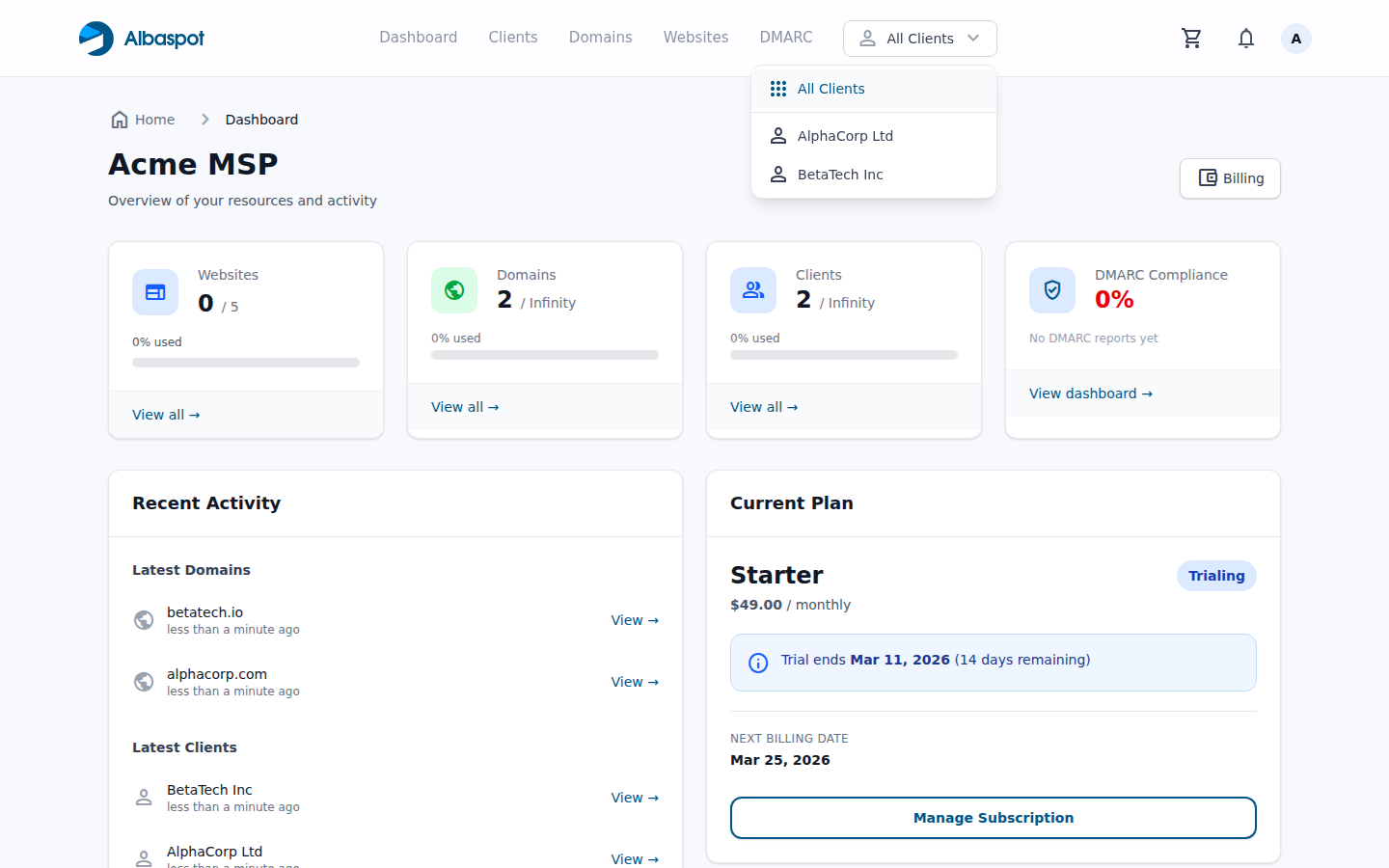
How the client filter works
- All Clients (default) — shows everything across your entire team.
- Select a client — domains, DNS records, websites, and DMARC data are all filtered to that client only.
- The selected client is remembered for your session until you change it or log out.
- New records created while a client is selected are automatically assigned to that client.