Team Members
Invite colleagues to your Albaspot team, set their role (owner, admin, or member), and revoke access when needed.
app.albaspot.com
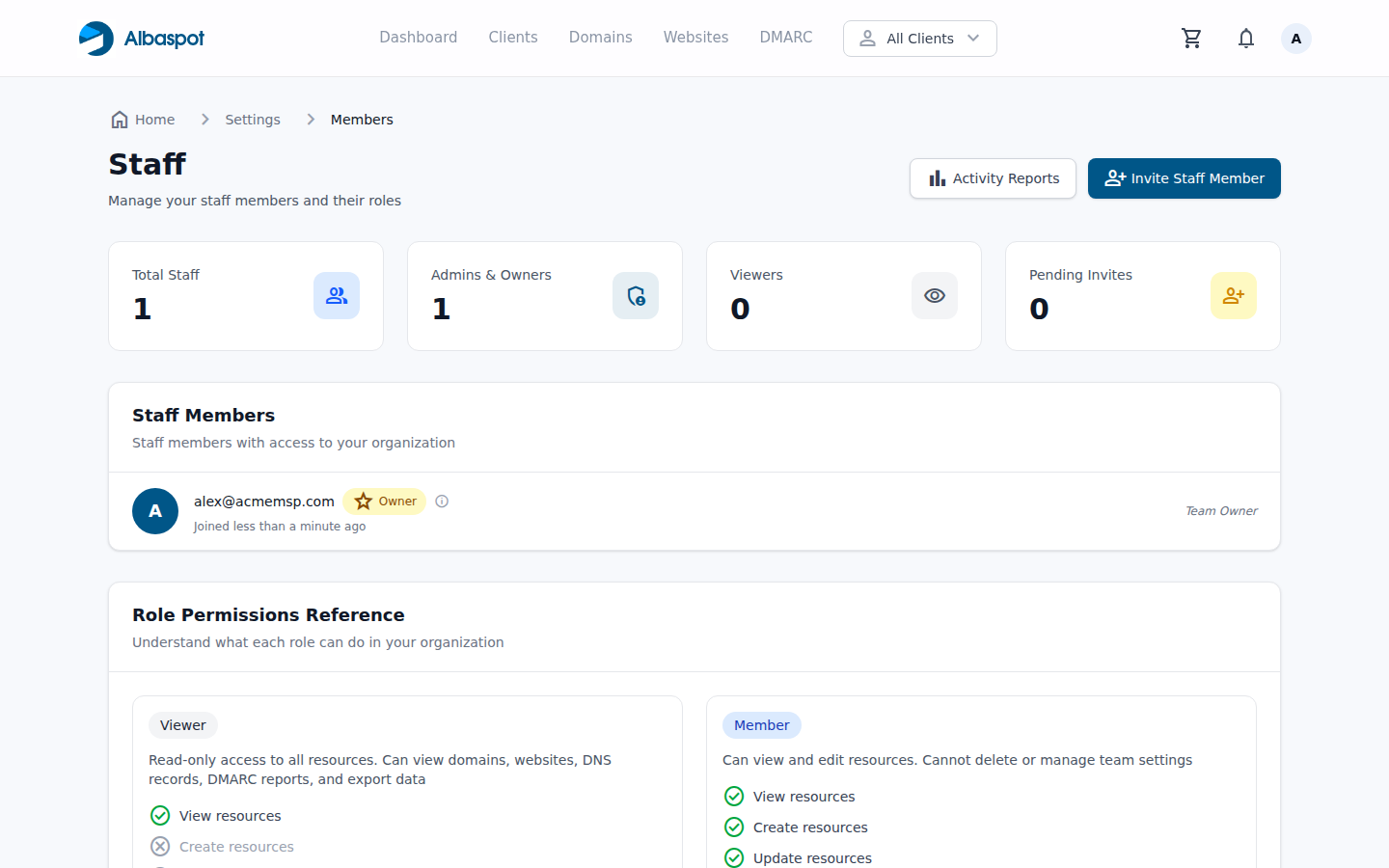
Roles
Owner
Full access. Can manage billing, delete the team, and change any setting. Usually one per team.
Admin
Can manage all resources and invite new members, but cannot delete the team or change billing.
Member
Can view and edit resources but cannot change team settings, invite members, or view billing.
Inviting a member
Go to Settings → Members and click Invite Member. Enter their email and select a role. They'll receive an invitation email with instructions to create their account.