Docs / Clients
Clients Overview
The Clients page lists every client in your team, with their domain count, website count, and active alerts visible at a glance.
app.albaspot.com
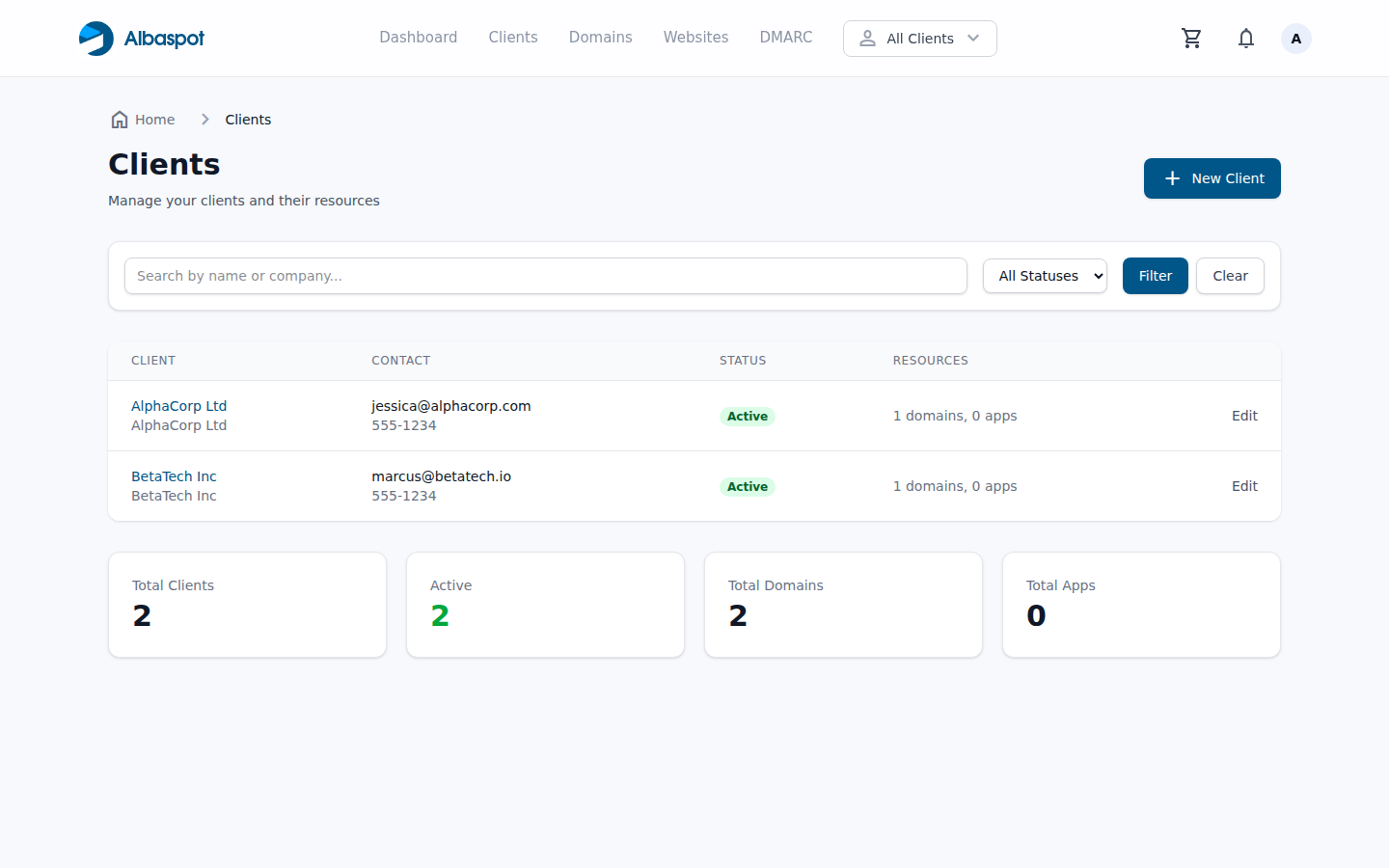
What each row shows
- Client name — company name, linked to the client detail page.
- Domains — count of domains assigned to this client.
- Websites — count of hosted applications assigned to this client.
- Alerts — open monitoring alerts for this client's resources.