Your Profile
Manage your personal account details — change your name, email address, password, or enable two-factor authentication.
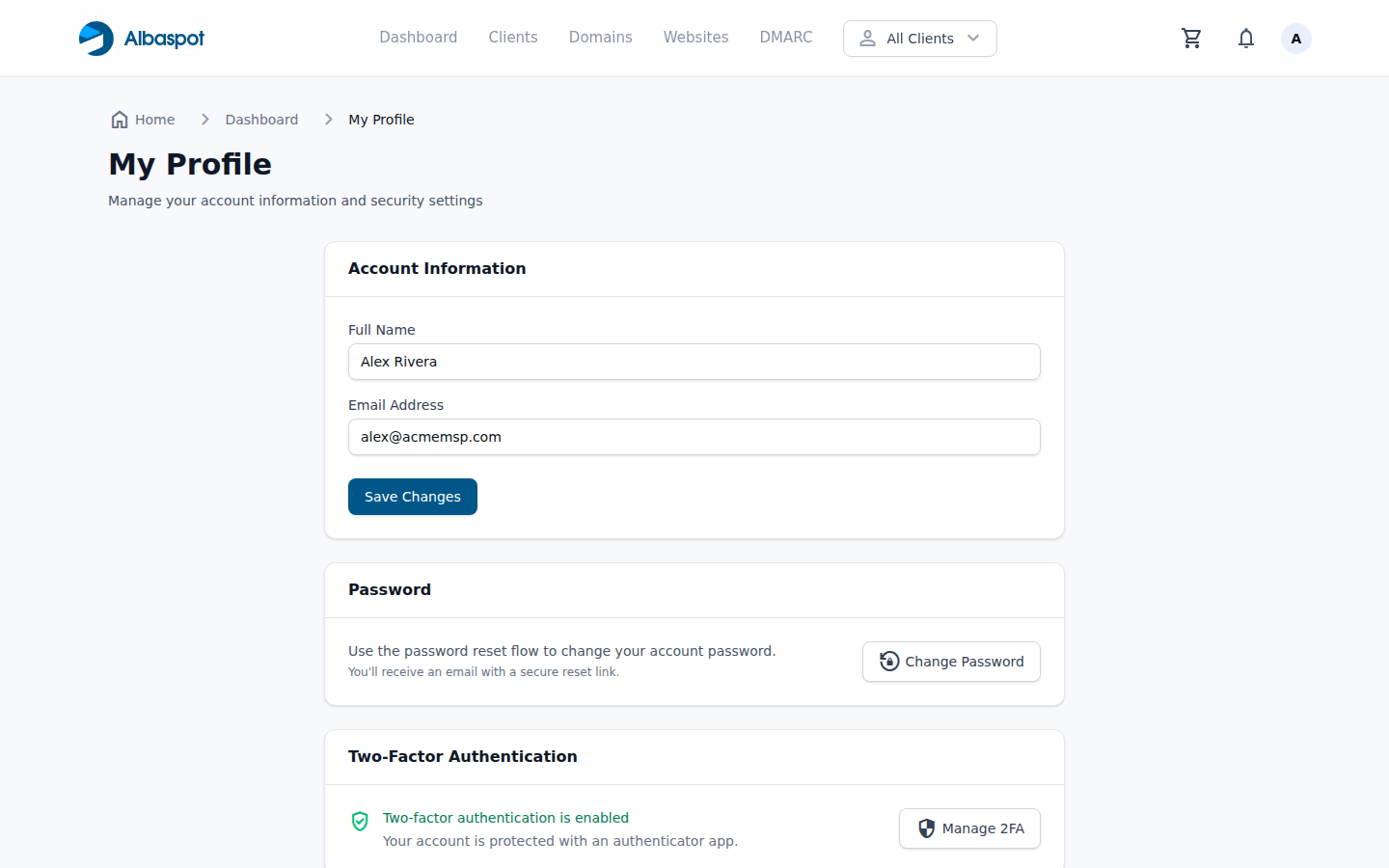
Profile sections
- Name & Email — update your display name and the email used to log in and receive notifications.
- Change password — enter your current password then choose a new one.
- Two-factor authentication — enable TOTP-based 2FA using an authenticator app.
- API Access — generate, regenerate, or revoke your personal API token.
Two-factor authentication
We strongly recommend enabling 2FA. Once enabled, you'll be asked for a one-time code from your authenticator app (Google Authenticator, Authy, etc.) every time you log in. 2FA codes are valid for 30 seconds.
API access
The API Access card sits below Two-Factor Authentication on your profile page. It is available to MSP team members only — client-portal users do not have API tokens.
If you have no token yet, the card shows No API token and a Generate token button. Generating one reloads the page and displays the full 64-character token once, in a green panel headed Your new token (shown once).
Copy the token immediately.
It is shown exactly once. Afterwards the card displays only the first eight characters — for exampleToken active (abcd1234…) — alongside when it was generated. If you lose it, the only option is to regenerate, which invalidates the old token.
Managing your token
- Regenerate — replaces the token immediately. The previous token stops authenticating at once, so update anything using it first.
- Revoke — deletes the token. API calls return
401until you generate a new one.
Both actions ask for confirmation, and each generate, regenerate, or revoke is recorded in the team activity log with the originating IP address.
Each user has one token. There are no scopes, expiry dates, or token names — the token carries exactly the permissions your user account already has, so a Member scoped to two clients gets an API token scoped the same way.
Using the token
Send it as a bearer token against the v1 API base path:
curl https://app.albaspot.com/api/v1/clients \
  -H "Authorization: Bearer YOUR_TOKEN"
The API exposes clients, websites, DNS domains and records, and DMARC reports. Requests are limited to60 per minute per token; exceeding that returns429. A missing or invalid token returns 401.