Add an External Domain
External domains are domains where DNS is managed elsewhere. Add them to Albaspot for DMARC monitoring, expiry tracking, and client visibility.
app.albaspot.com
When to add an external domain
- The client manages their own DNS but you want to monitor DMARC reports.
- You are onboarding a new client whose domain is at a different registrar temporarily.
- The domain uses external nameservers (Cloudflare, GoDaddy, etc.) but you still want expiry alerts.
Steps
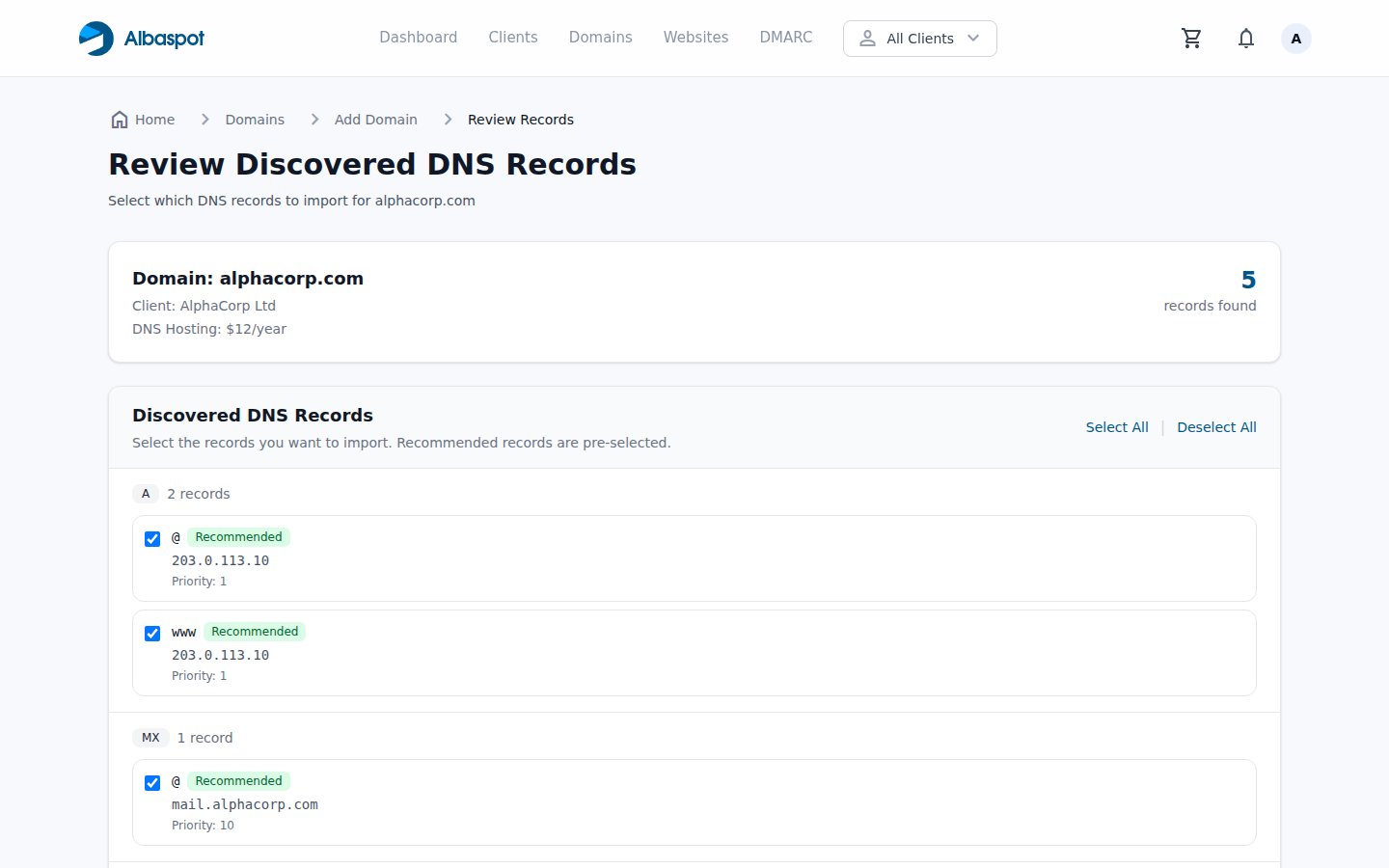
- 1Go to Domains → Add Domain → External.
- 2Enter the domain name and assign it to a client.
- 3Optionally set an expiry date so you receive renewal reminders.
Note: DNS records for external domains are read-only in Albaspot. To manage DNS you would need to transfer the domain or update nameservers to point to our DNS provider.