Docs / Settings
Team Settings
Team settings control the defaults used when registering domains, creating websites, and sending notifications across your entire MSP account.
app.albaspot.com
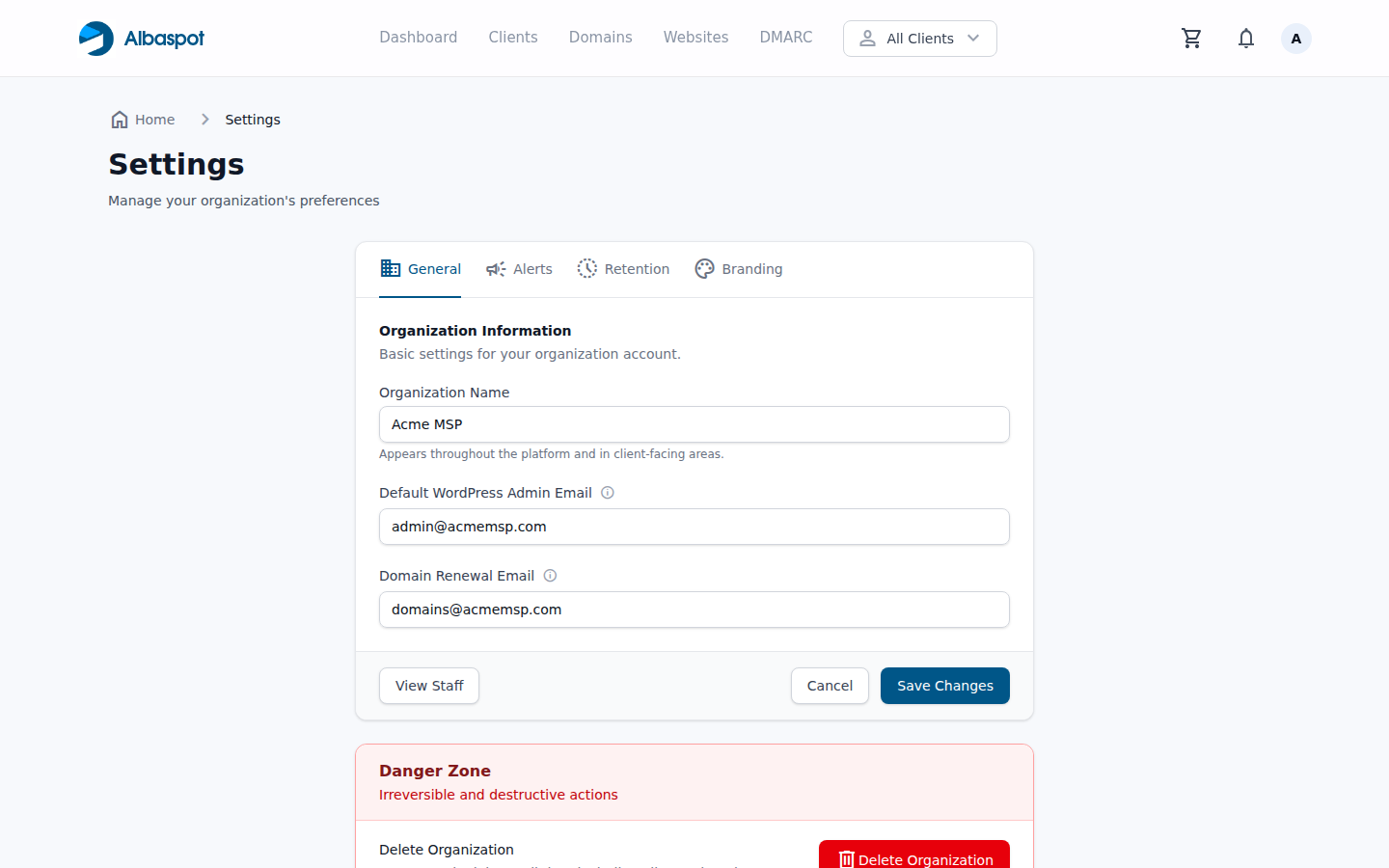
Settings fields
- Team name — displayed in the dashboard and the client portal header.
- Default hosting email — used as the owner email when creating new hosted applications if no client email is provided.
- Domain contact email — used as the registrant contact for new domain registrations.
- Alert recipients — email addresses that receive domain expiry, SSL, and uptime alerts.
- DMARC alert recipients — email addresses for DMARC failure and policy alerts.