DMARC Alert Rules
Alert rules notify your team by email when DMARC failure rates, unknown sender volume, or policy compliance crosses a threshold you define.
app.albaspot.com
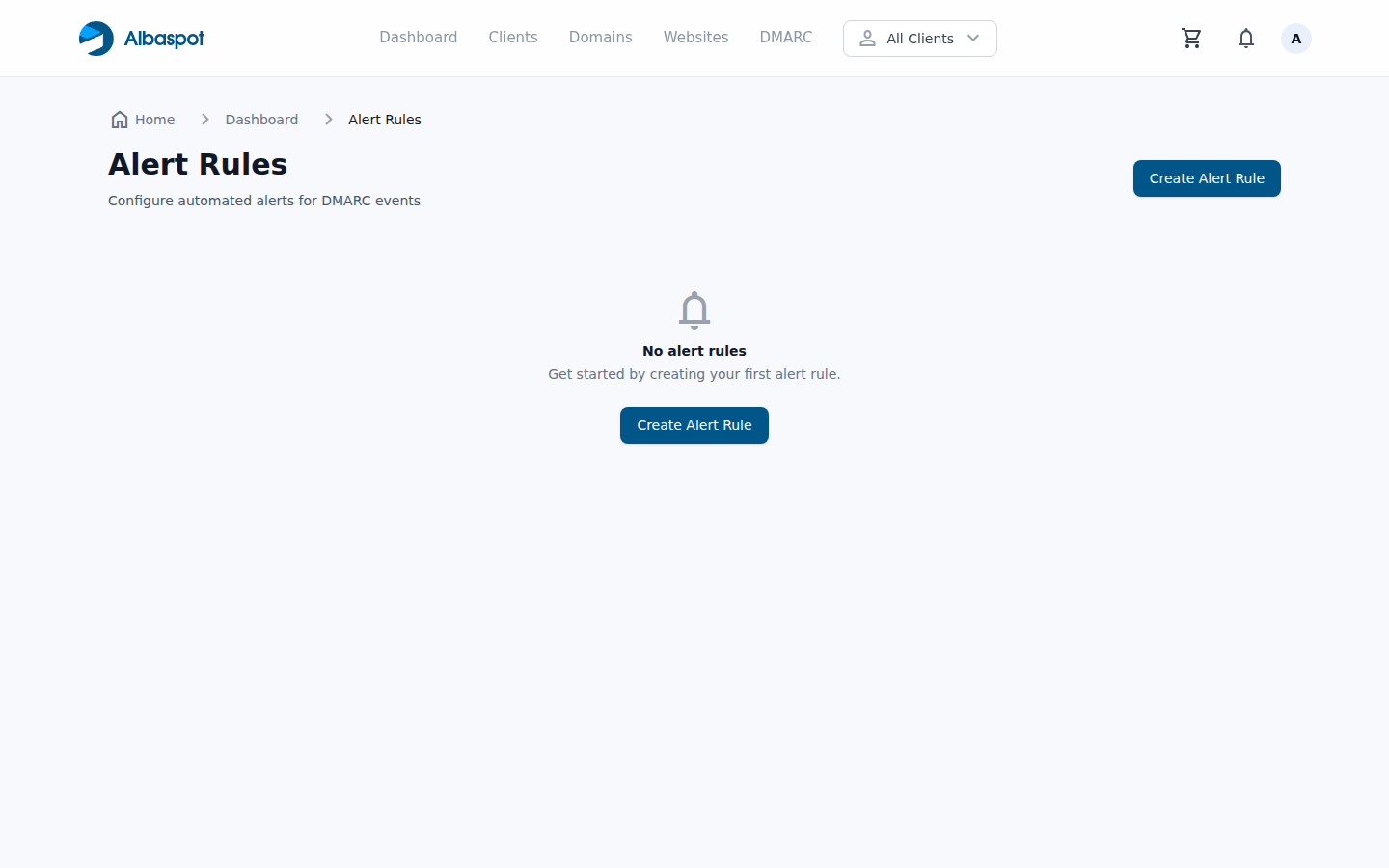
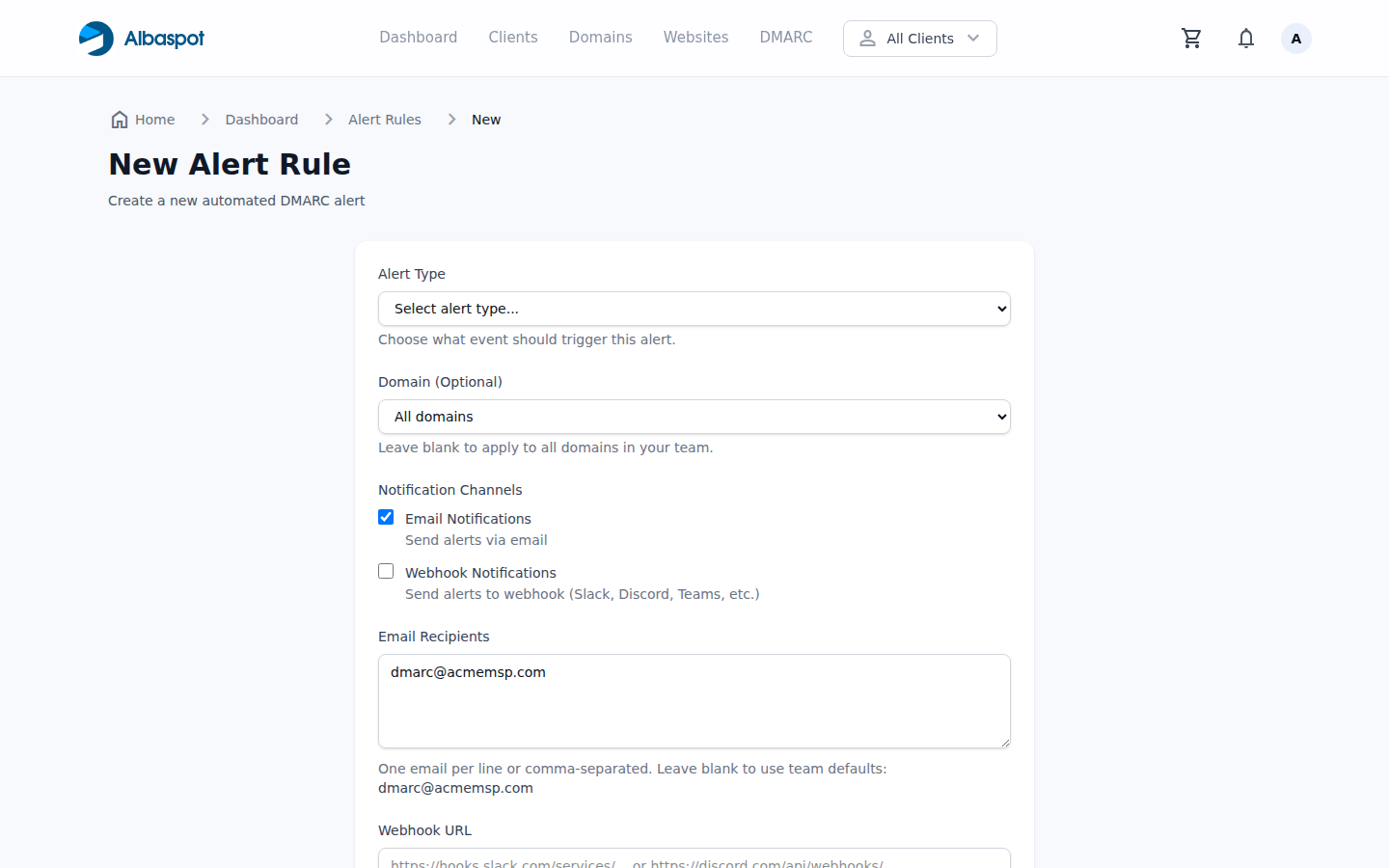
Alert trigger types
- Failure rate exceeds X% — alert when DMARC failure percentage crosses a threshold.
- Unknown sender detected — alert when a new sending source appears that has no sender profile.
- Policy is below target — alert if a domain is still at
noneafter a set number of days.
app.albaspot.com
Finding Alert Rules in the app
In the top navigation, click DMARC. In the left sidebar you will find Alert Rules. You can also navigate directly to /dmarc/alert-rules.
Creating an alert rule
On the Alert Rules page, click New Alert Rule. Select the trigger type, set the threshold, enter notification email addresses, and save. Alerts are evaluated after each report import.