Docs / Certificates / Request
Requesting a Certificate
Submit a certificate request by providing the target domain, an optional label, and the client it belongs to. Albaspot handles the full ACME v2 flow — DNS challenge, validation, and issuance — without requiring any open inbound ports on the RDS server.
app.albaspot.com
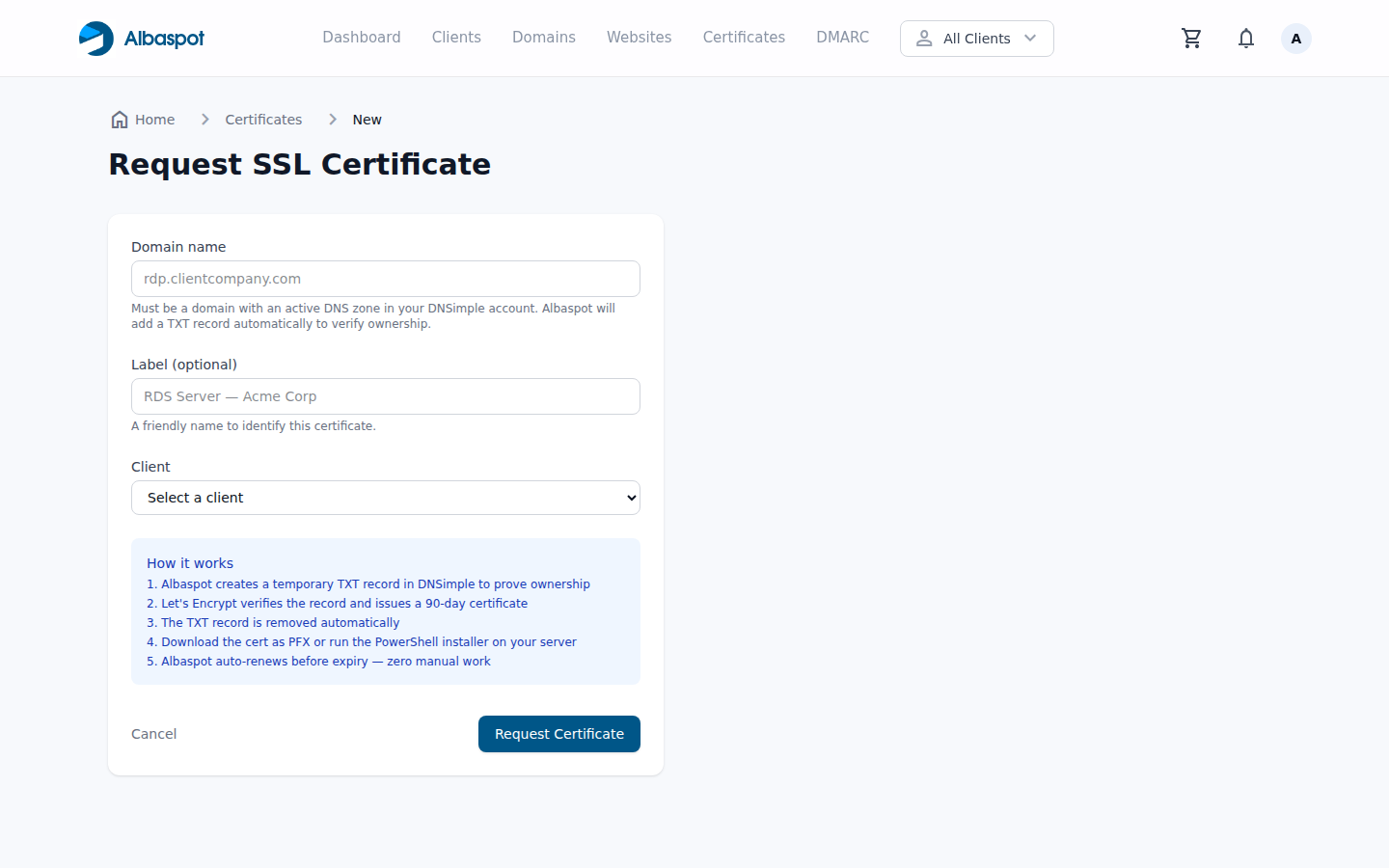
Form fields
- Domain — the fully qualified domain name the certificate will cover (e.g.
rdp.example.com). The domain must be hosted in your connected DNSimple account so Albaspot can manage the DNS-01 challenge record automatically. - Label — an optional friendly name to help identify the certificate in the list (e.g. Acme Corp RDS). If omitted, the domain name is used as the display label.
- Client — required. Every certificate must be scoped to a client. Select the client whose RDS server this certificate will be deployed to.
Domain requirements
The domain must be resolvable and its zone must be managed inside the DNSimple account connected to Albaspot. Albaspot will create and later remove a _acme-challenge TXT record during validation. No port 80 or port 443 access to the RDS server is required — the DNS-01 challenge works entirely through DNS.
What happens after you click "Request Certificate"
- 1Pending — the certificate record is created and an ACME v2 order is submitted to Let's Encrypt.
- 2Issuing — Albaspot adds the
_acme-challengeDNS TXT record to DNSimple and waits for propagation. - 3Validation — Let's Encrypt queries the TXT record. Once confirmed, the challenge is satisfied and the certificate signing request is submitted.
- 4Active — the signed certificate is downloaded and stored. The challenge TXT record is cleaned up from DNSimple. An email confirmation is sent to the account owner.
The full issuance process typically completes within a few minutes, depending on DNS propagation speed.