Transfer a Domain
Transfer a domain from your client's existing registrar into Albaspot so you can manage DNS, renewals, and DMARC from one place.
app.albaspot.com
Before you begin
- The domain must be unlocked at the current registrar.
- You need the EPP/Auth code (also called Transfer Authorization Code) from the current registrar.
- The domain must not be within 60 days of its registration date.
Transfer steps
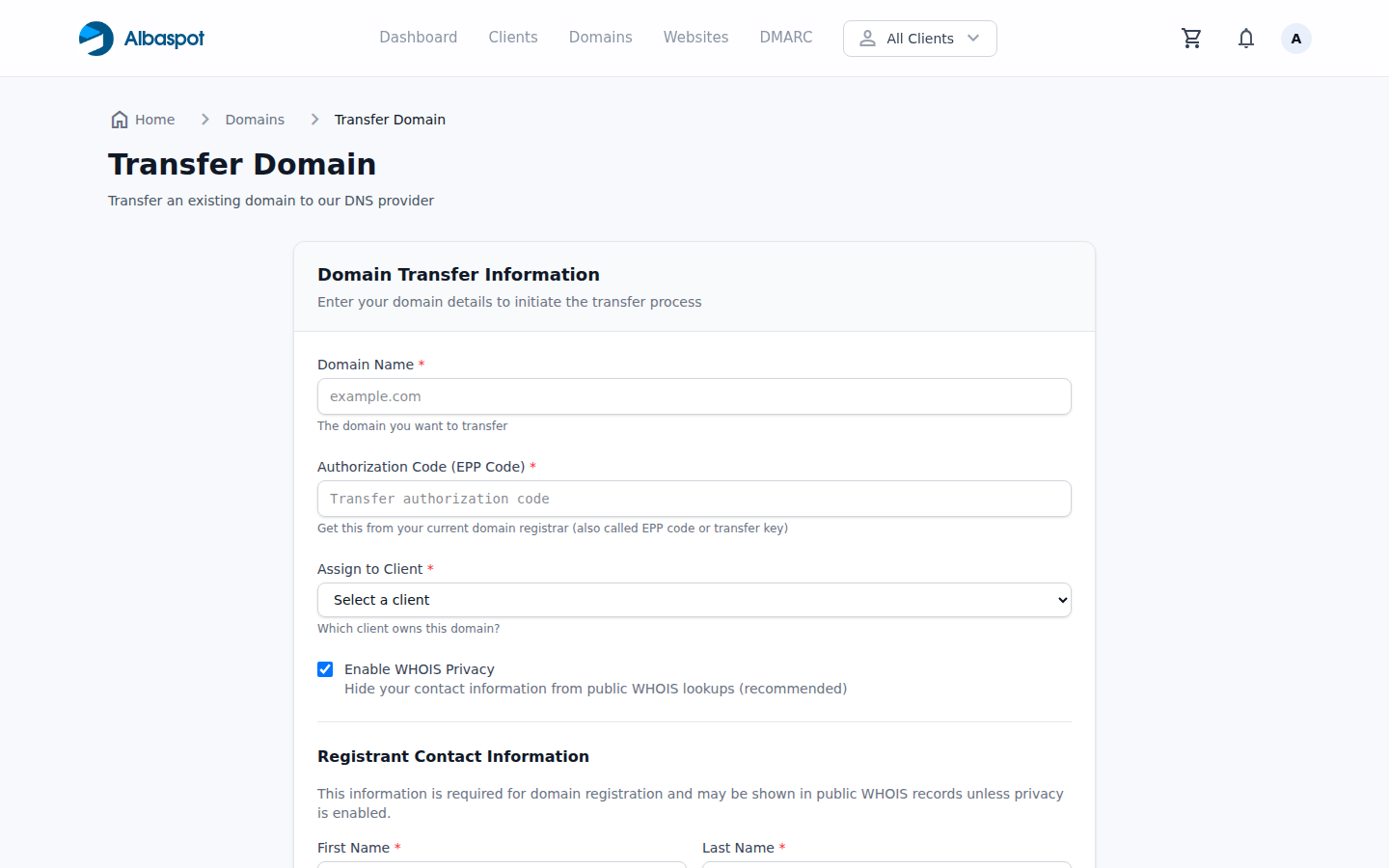
- 1Go to Domains → Add Domain → Transfer.
- 2Enter the domain name and the EPP auth code.
- 3Assign to a Client and click Initiate Transfer.
- 4The transfer typically completes within 5–7 days. You'll receive an email confirmation once it's done.
DNS discovery during transfer
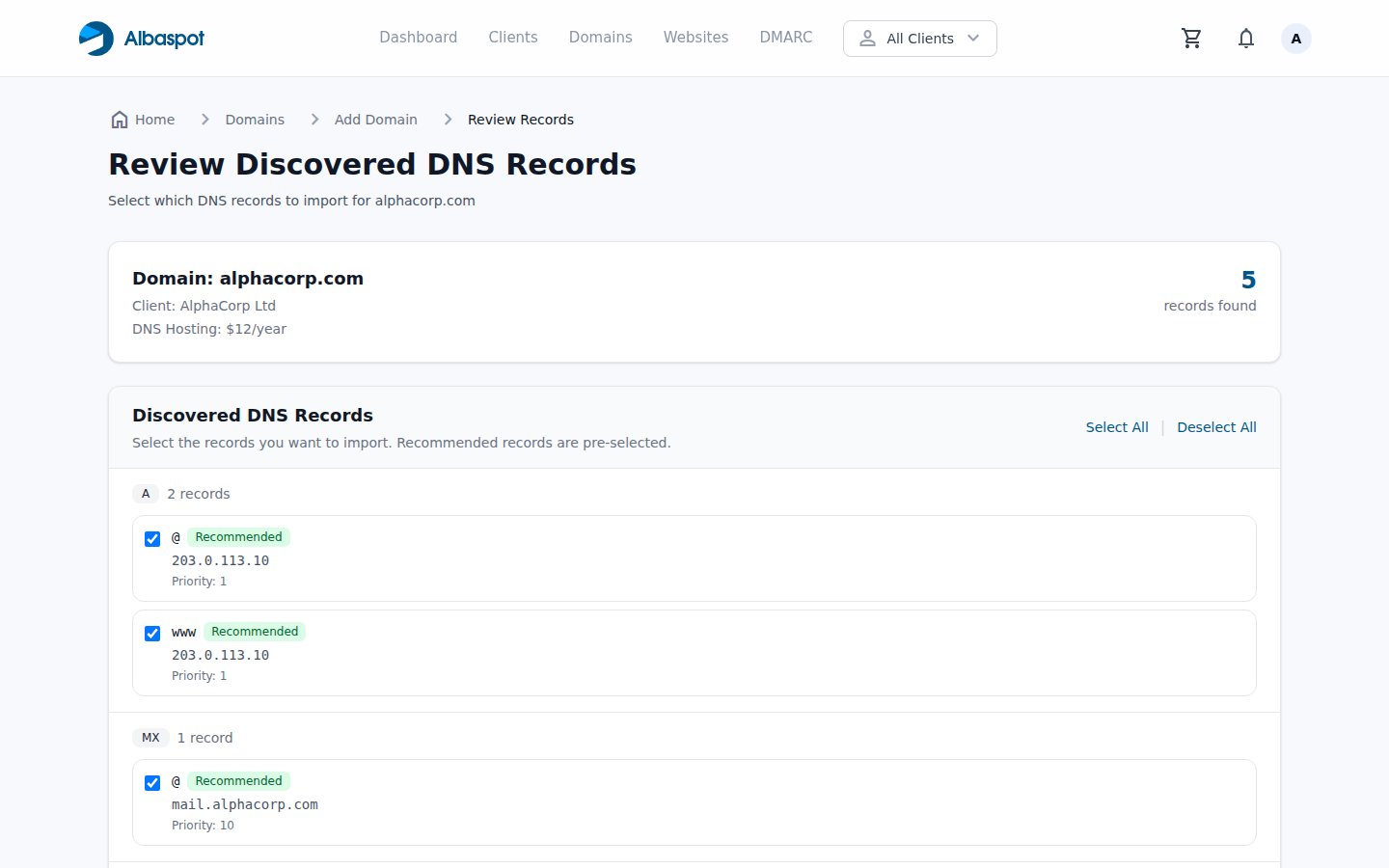
When you initiate a transfer, Albaspot scans your domain's existing DNS records so nothing is lost. You can review and select which records to import before the transfer completes.
app.albaspot.com