Sender Profiles
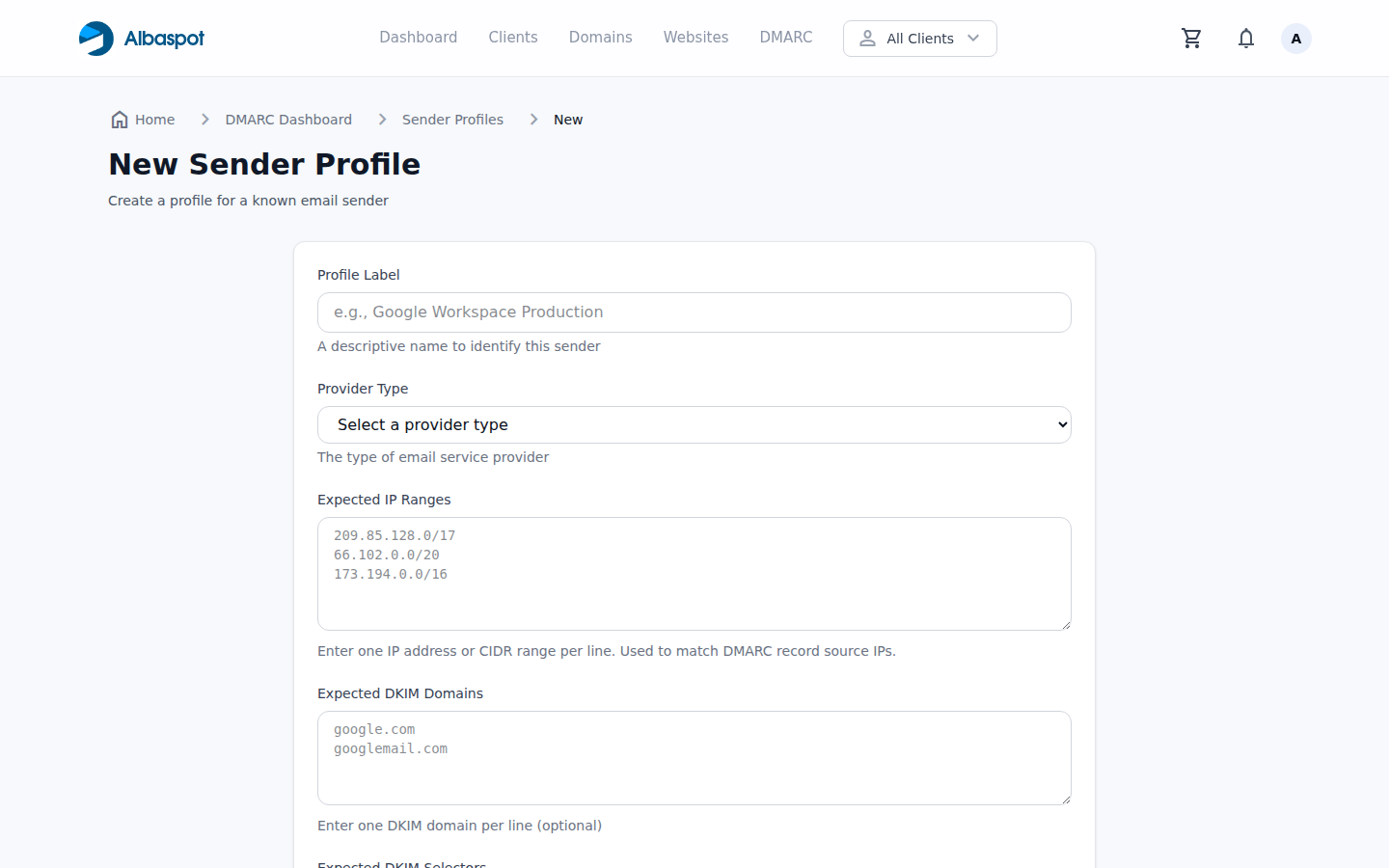
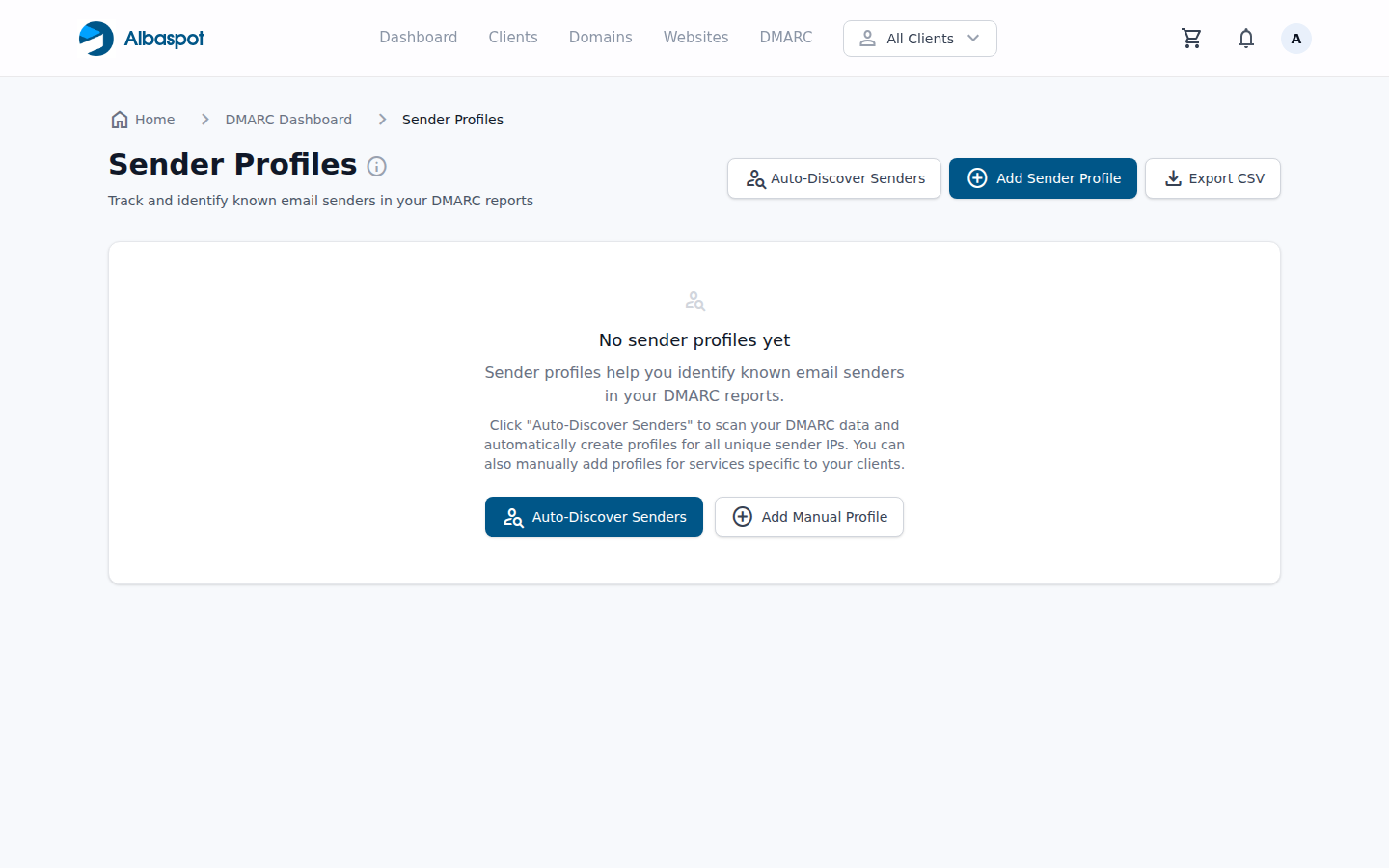
Sender Profiles let you document and track every service authorized to send email on behalf of a domain — from your own mail server to third-party platforms like Mailchimp or HubSpot.
app.albaspot.com
Why sender profiles matter
Before moving to p=reject, every legitimate sending source must be identified and properly authenticated. Sender profiles give you a checklist to work through — one sender at a time.
Adding a sender profile
- 1Go to DMARC → Sender Profiles for the domain.
- 2Click Add Sender.
- 3Enter the sender name (e.g., "Mailchimp"), the sending IP or range, and whether SPF/DKIM are configured.
- 4Mark the sender as Authorized once SPF and DKIM are verified.
app.albaspot.com