Billing
View your current plan, update your payment method, upgrade or downgrade, and download past invoices — all from the Billing settings page.
app.albaspot.com
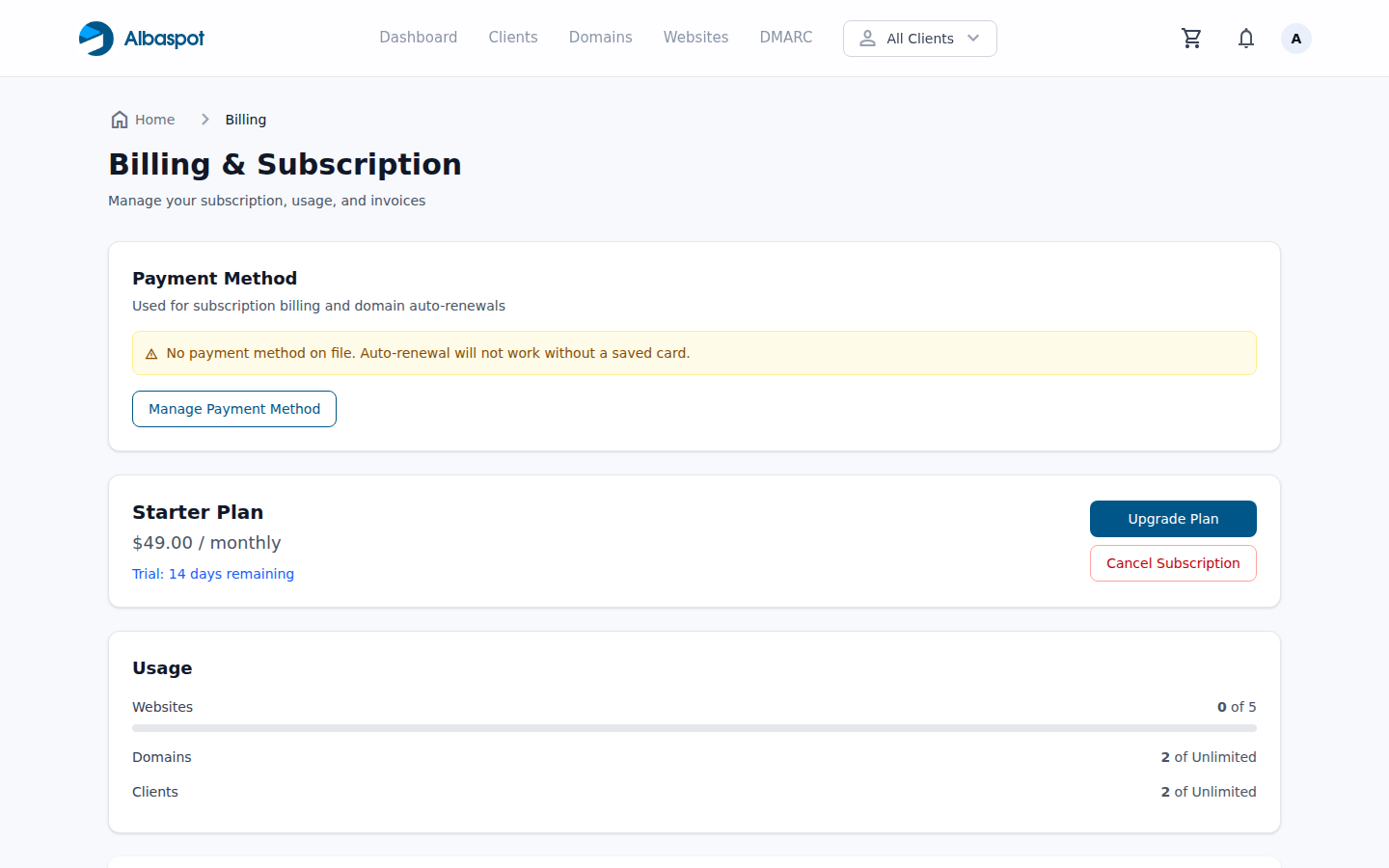
Billing overview
- Current plan — your active subscription tier and billing interval (monthly / annual).
- Next renewal — date and amount of the next charge.
- Payment method — card on file with a link to update via Stripe's secure payment portal.
Changing your plan
Click Change Plan to view available plans side by side. Upgrades take effect immediately (prorated). Downgrades take effect at the end of the current billing period.
Invoices
Past invoices are listed at the bottom of the page. Click Download PDF next to any invoice to save a copy for your records.
Need help? For billing questions, billing discrepancies, or cancellations, contact our support team at billing@albaspot.com.