Edit a DNS Record
Update any field on an existing DNS record. Changes are propagated immediately to the authoritative nameservers.
app.albaspot.com
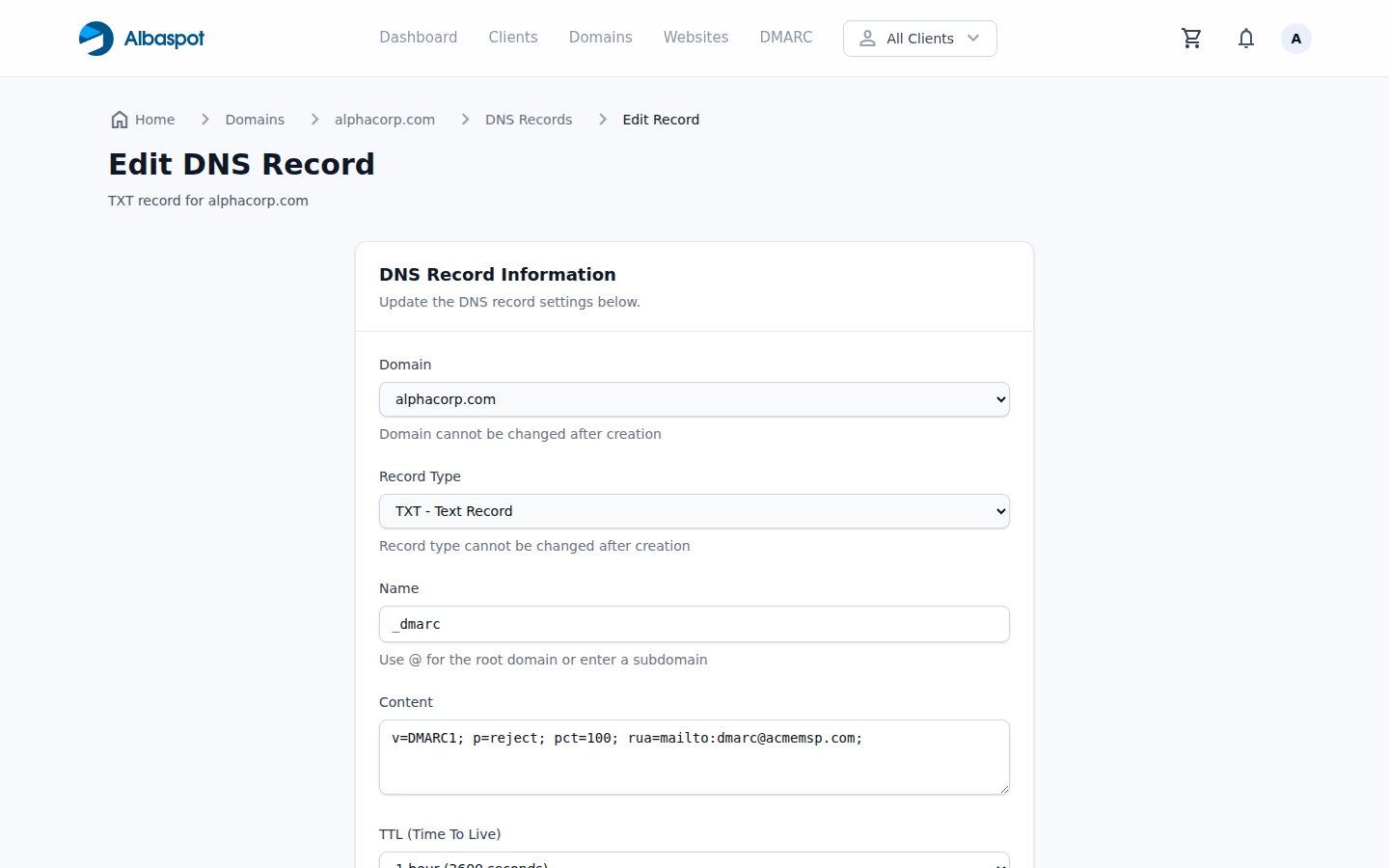
Steps
- 1Go to the DNS Records list for the domain.
- 2Find the record you want to edit and click the Edit (pencil) icon.
- 3Modify the Name, Value, Priority (MX/SRV only), or TTL.
- 4Click Save Changes.
Note: Changing the type of an existing record is not supported. Delete the record and create a new one with the desired type.
Deleting a record
Click the Delete (trash) icon next to the record, then confirm. Deletion is immediate and cannot be undone.