Add a Client
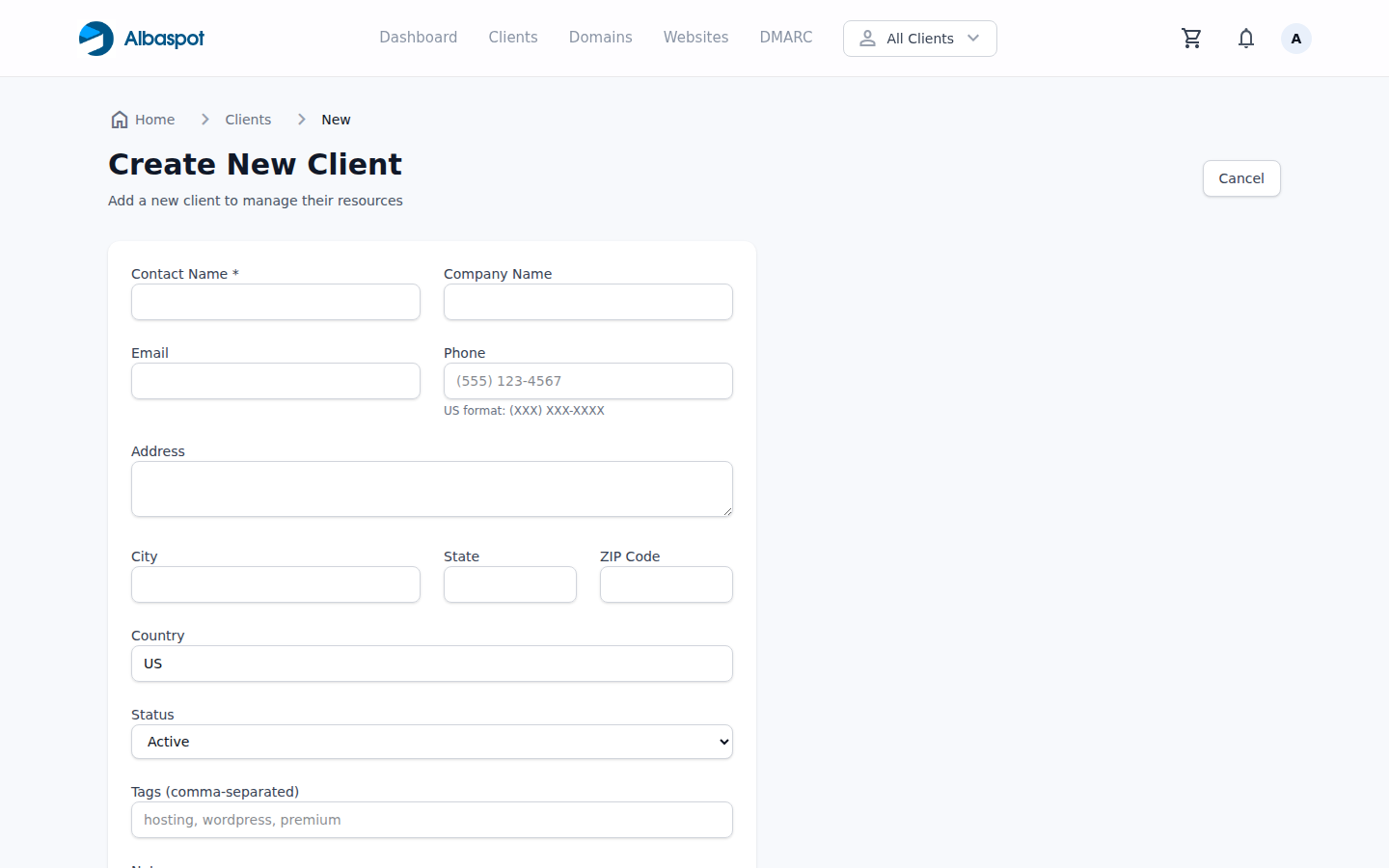
Create a client record to group a company's domains, websites, and users under one name. This enables per-client filtering and the client portal.
app.albaspot.com
Steps
- 1Go to Clients → Add Client.
- 2Enter the company name. This is the label shown throughout Albaspot.
- 3Optionally add a contact name, email, and notes.
- 4Click Create Client. You can now assign domains and websites to this client.