Switching Between Clients
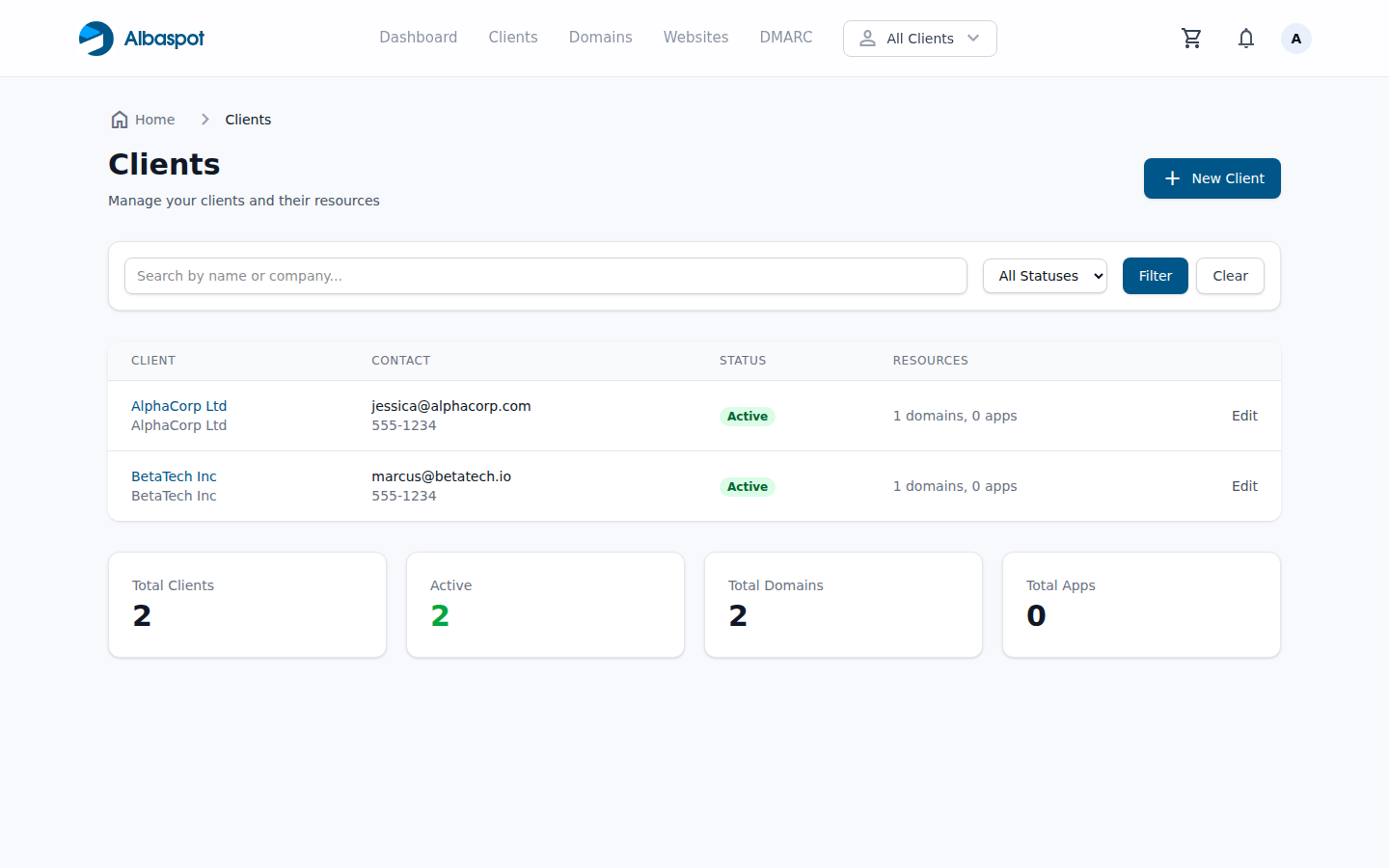
The client switcher filters your entire workspace — domains, DNS records, websites, and DMARC data — to show only the selected client's resources.
app.albaspot.com
How it works
- The client switcher is in the top navigation bar. Click it to open the dropdown.
- Select a client name. All resource lists (Domains, DNS, Websites, DMARC) immediately filter to that client.
- The selected client badge stays visible so you always know which context you're working in.
- Click All Clients in the switcher to return to the full view.
Security
The client filter is enforced server-side. If you navigate directly to a resource belonging to a different client while a filter is active, you will receive an authorization error. This prevents accidental cross-client data access.